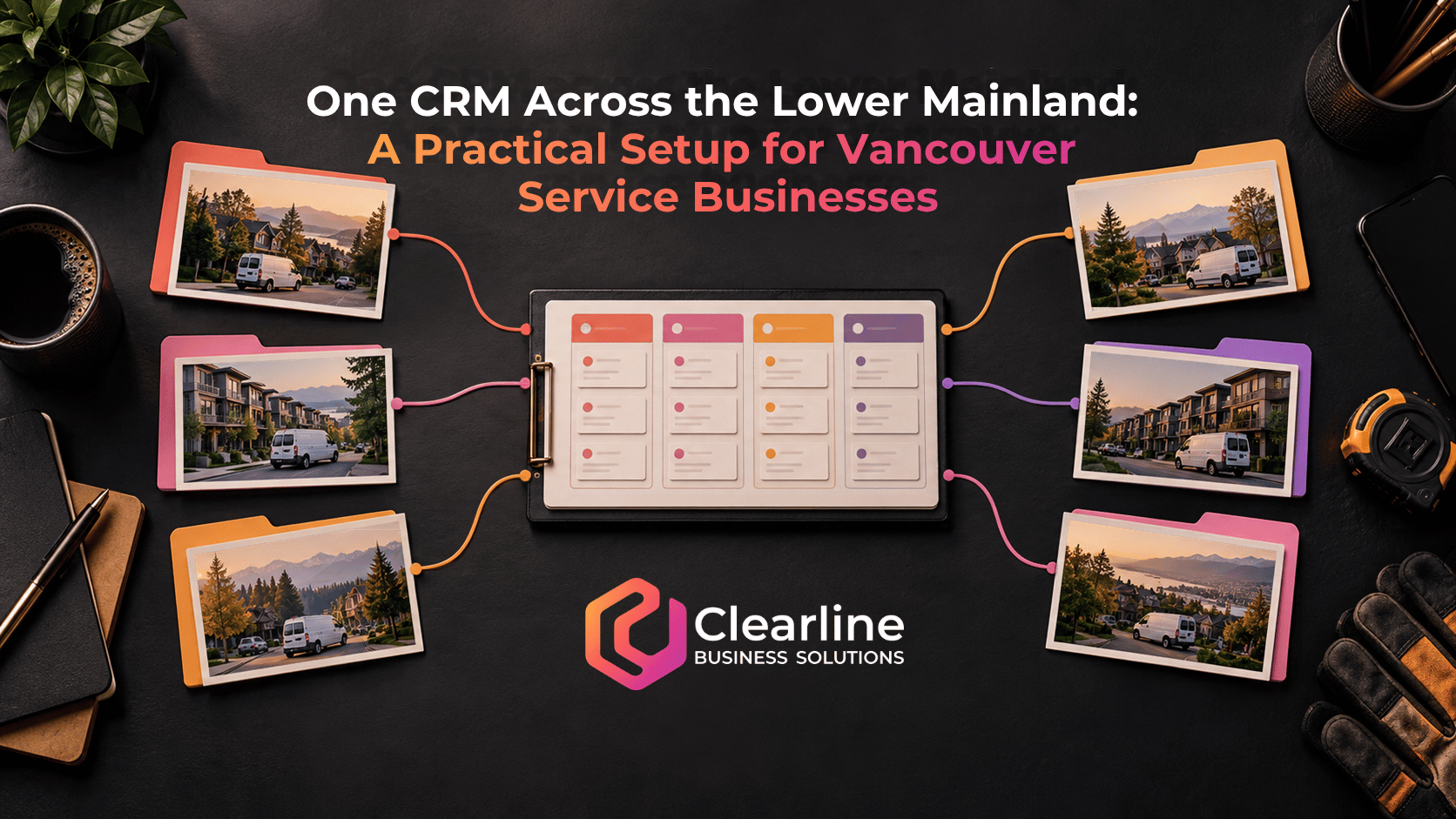
If your service business takes inquiries from Vancouver, Burnaby, Richmond, Surrey and nearby communities, a separate spreadsheet or pipeline for each city can make a simple question surprisingly hard to answer: who owns this lead, and what happens next?
The answer is usually one CRM with clear territory rules, one shared view of the sales process and enough location detail to route each opportunity properly. A Vancouver CRM setup should distinguish where the customer is, where the work will happen, who will respond and what stage the opportunity has reached. Those are four different facts. Treating the city field as a substitute for all four is how leads get sent to the wrong person or disappear between teams.
This guide is for service businesses working across the Lower Mainland. It covers the fields, routing logic, handoffs and reporting needed to keep one system useful as the service area grows. It does not assume every municipality has the same operating or licensing requirements.
Why a regional service area complicates lead management
Metro Vancouver is a federation of 21 municipalities, one electoral area and one treaty First Nation. That regional structure is a useful reminder that a broad service area is made up of distinct places, even if the customer sees one brand and one website. Metro Vancouver explains its membership here. A business might take a call from a Vancouver property manager about a Richmond site, while the assigned estimator works from Burnaby. A single free-text “city” field cannot represent all of that.
The Lower Mainland can also mean a service area beyond Metro Vancouver. Decide which communities you actually serve rather than treating “Lower Mainland” as an automatic yes for every inquiry. Your CRM should make that decision visible early, before someone books a visit or promises a timeline.
Municipal requirements are another reason to keep precise location data. British Columbia’s mobile business licence program permits some types of businesses to work across participating communities. Participation and eligibility are specific to the program. The Metro West inter-municipal licence information is a concrete example. The CRM can record whether a location needs a compliance check, but it should never automatically declare that one licence covers every type of work in every municipality.
The operational takeaway is simple: capture the actual work location and the service requested before applying a territory rule. Then give an owner a clear next action.
Start with one pipeline, not a pipeline for every city
A pipeline should describe the progress of an opportunity, not the map. If the sales process is essentially the same in Vancouver and Surrey, both opportunities can move through the same stages: new inquiry, qualified, visit or discovery booked, estimate in progress, proposal sent, decision pending, won or lost. A city-specific pipeline for each municipality makes regional reporting harder and encourages slightly different stage definitions over time.
There are legitimate exceptions. A recurring commercial contract may require a very different sales process from an urgent residential repair. That distinction could justify separate pipelines or opportunity types. Geography alone rarely does. A Vancouver CRM should let you filter the shared pipeline by service territory and owner without copying the entire workflow.
Write a one-sentence entry and exit rule for every stage. For example, “proposal sent” begins only when a priced proposal has actually been delivered, and it ends when the customer responds, the team follows up, or the deal closes. An opportunity sitting in that stage with no next-action date is not a useful pipeline record.
If you already have several city pipelines, do not merge them blindly. Compare their stages, custom fields, automations and reports first. Map equivalent stages, resolve duplicates and test a small set of records before moving the rest. Our CRM setup guide covers the broader system gaps that are worth checking during that cleanup.
Give location fields different jobs
The most useful Vancouver CRM field is not always “city.” The right fields depend on where the customer lives, where the job is, and how your team is organized. Start with this lean record design:

| Field | What it answers | Practical use |
|---|---|---|
| Contact or account address | Where is the customer or decision-maker based? | Communication and account history |
| Service location | Where will the work happen? | Eligibility, travel and assignment |
| Municipality | Which local jurisdiction contains the service location? | Territory filters and any required review |
| Service area or territory | Which team covers the location? | Routing and capacity planning |
| Requested service | What does the customer need? | Qualification and specialist assignment |
| Lead owner | Who is accountable for the response? | Follow-up and escalation |
| Lead source | Where did the inquiry come from? | Marketing and referral reporting |
| Next action and due date | What happens next, and when? | Daily work queue |
A contact can have multiple service locations. A property manager may oversee several buildings, and an existing customer may request work at a second address. Keep the person or company record stable while associating each opportunity with the correct job location. If your CRM cannot represent multiple sites cleanly, use a structured opportunity-level service address rather than overwriting the account address for every new request.
Use a controlled municipality list where it helps reporting. Free-text entries such as “North Van,” “N. Vancouver” and “Vancouver North” can fragment filters and cause routing errors. At the same time, do not build a giant required form that stops a caller from reaching a person. Capture the minimum needed to triage the lead, then fill gaps during the first conversation.
Define service eligibility before assigning an owner
“We serve the Lower Mainland” sounds clear on a website but may hide exceptions. A business might serve Vancouver, Burnaby and Richmond for every service, offer only certain jobs in Surrey, or travel farther for large commercial work. Put those rules in a simple territory matrix that a human can understand.
For each municipality or postal-code area you accept, record the eligible services, responsible team, normal travel or scheduling considerations, and any manual review trigger. A service request outside the normal area should not silently vanish. Send it to a named person or queue with a decision deadline: accept as an exception, refer it elsewhere, or decline politely.
Do not equate a postal-code prefix with a perfect municipality boundary. Addresses near borders, new developments and incomplete form entries can defeat simple rules. When the address is uncertain, a Vancouver CRM should mark the lead for review instead of assigning it with false confidence.
Keep licensing and permit questions separate from sales qualification. The CRM can flag a job for a compliance check; the applicable government or municipal source and the responsible staff member should determine what the business may actually do. This matters particularly when the scope of work changes after the initial inquiry.
How a Vancouver CRM should route by service, location and capacity
A useful routing rule considers more than the customer’s city. Try this sequence:
- Identify the requested service and whether it is within scope.
- Identify the work location and whether it falls in an eligible service area.
- Check whether a specialist, account owner or existing relationship should take precedence.
- Assign one accountable owner or an actively monitored queue.
- Create the next action with a due time and a backup or escalation path.
For example, a Richmond inquiry from an existing commercial account should not automatically go to a general Richmond queue if the account manager owns the relationship. A Surrey residential inquiry may belong to a different estimator than a Surrey commercial project. A Vancouver caller asking for service at a Burnaby location should be routed using the work site, while retaining the caller’s own address for correspondence.
The order of these conditions matters. Put exceptions such as existing account ownership or specialist work ahead of a broad location rule. Document the priority so staff can explain why a lead reached a particular person. If two rules match, choose a deliberate tie-breaker rather than relying on whichever automation happens to run first.
Test the rule with representative examples from each territory, plus incomplete addresses and out-of-area inquiries. Have staff review the results before switching on automatic assignment for every lead. Our lead leakage article explains how ownership gaps can turn good inquiries into stalled opportunities.
Design the handoff after the first response
Assignment is only the first handoff. A lead may pass from an intake coordinator to an estimator, then to operations when a job is accepted. Each transition needs an owner, a trigger and information that the next person can use.

For an estimate handoff, that might include the service location, contact preference, scope, photos or measurements, access constraints, promised response date, and any open questions. The estimator should know what was promised and when. When a proposal goes out, the opportunity should carry a follow-up date and the person responsible for the next conversation.
After a job is won, the CRM does not have to become your dispatch or job management system. Decide which system owns scheduling, work orders, invoices and delivery updates. Pass the agreed details to that system and record enough of the outcome in the CRM to preserve customer context. A one-way integration with no error review can be worse than a disciplined manual handoff, because staff may assume the transfer succeeded when it did not.
A Vancouver CRM setup should be able to answer these questions on any open opportunity: Who owns it now? Where is the work? What did we promise? What is the next action? When is it due? If the answer requires opening three inboxes, the workflow needs attention.
Keep follow-up regional but relevant
Regional coverage does not require a different generic email sequence for every city. Use the same follow-up framework where the sales process is the same, and personalize the information that actually changes: the requested service, service location, timing, estimator and any site-specific consideration.
Avoid automating a claim such as “we can be there tomorrow” before capacity has been confirmed. The distance and scheduling demands of a job may change the promise. For urgent inquiries, a call or immediate human review may be more appropriate than a delayed email. For a complex project, a short acknowledgement plus a clear discovery step may be enough to begin.
Set a follow-up owner and due date when the estimate is sent. If the customer replies by email, text or phone, the owner needs to see the response in the same working view or have a dependable way to update it. Stop an automated reminder when the conversation has advanced or the customer has declined. The goal is a relevant next step, not a high message count.
Report on territory without splitting the truth
One shared pipeline makes comparison possible, provided your definitions stay consistent. Start with a small dashboard:
- New inquiries by work-location territory and source.
- Share of inquiries accepted, declined and awaiting a service-area decision.
- Time to first meaningful response by team.
- Open opportunities with no owner or overdue next action.
- Estimates sent and won by service type and territory.
- Reasons opportunities were lost or marked out of area.
Read these numbers in context. A lower conversion rate in one municipality may reflect a different service mix, travel requirements or lead source rather than poor staff performance. An out-of-area count can also reveal where your website is attracting demand that the business does not intend to serve. Compare like with like before changing assignments or spending more on ads.
Keep the “where” definition consistent. Reporting by billing address can tell a very different story from reporting by job location. Label dashboards accordingly. For a business operating across Metro Vancouver and the wider Lower Mainland, a Vancouver CRM dashboard should show the actual territory boundaries you chose, not an unlabeled city list.
Seven practical checks before you rebuild the system
- Take ten recent inquiries from several municipalities. Can you identify the actual work site for each?
- Check whether every open opportunity has one accountable owner and a due next action.
- Find duplicate contacts created when the same account inquired about different locations.
- Compare pipeline stages across teams. Are they defined the same way?
- Trace one lead from form or call to estimate and into the delivery system. Where can information be lost?
- Test routing for an existing customer, an incomplete address and an out-of-area inquiry.
- Review whether territory reports use the work location or an unrelated contact address.
If several checks fail, start with field definitions and ownership rules. Buying a new CRM before agreeing on those decisions often carries the same confusion into a different interface. If the current platform can support the workflow, a focused cleanup may be enough. If it cannot handle multi-location accounts, controlled routing or the required handoffs without brittle workarounds, then a replacement comparison becomes reasonable.
Frequently asked questions
Does a Vancouver service business need a separate CRM for each city?
Usually no. If the sales process is shared, one Vancouver CRM with service-location, territory and owner fields gives you a regional view while letting teams filter their own work. Separate pipelines make sense when the process differs materially by service or customer type, not simply because the work crosses a municipal border.
Should routing use the customer’s address or the job address?
For on-site service, route primarily by the work location, then apply service type, existing account ownership and capacity rules. Keep the customer address separately. A contact in Vancouver can be responsible for a site in Richmond, and overwriting one address with the other damages both routing and account history.
Can the CRM decide whether we are licensed to work in another municipality?
It can prompt a review, but should not make a blanket legal determination. Provincial mobile business licensing and local programs have eligibility and participating-community rules. Check the current government and municipal guidance for the type of work and location, then record the decision and its owner.
What should we fix first if leads are being lost between territories?
Create one service-location field, one owner on each open opportunity, a visible next-action date and a monitored exception queue. Test the handoffs using actual recent inquiries before adding more automation. Those basics give a Vancouver CRM team a clearer daily work list even before a larger redesign.
Build one regional view with local decisions
The best setup makes the geography precise without making the sales process fragmented. One pipeline can cover the region. Work-location data determines eligibility and routing, account history preserves relationships, and an owner with a due action keeps each inquiry moving. The details of travel, staffing and municipal requirements can be reviewed where they truly affect the job.
If your current CRM has duplicate city pipelines, unclear assignment rules or no reliable view of follow-up across territories, Clearline can help map the process and decide whether to repair the setup or change systems. Book a free business consultation to review the gaps and the practical next step.