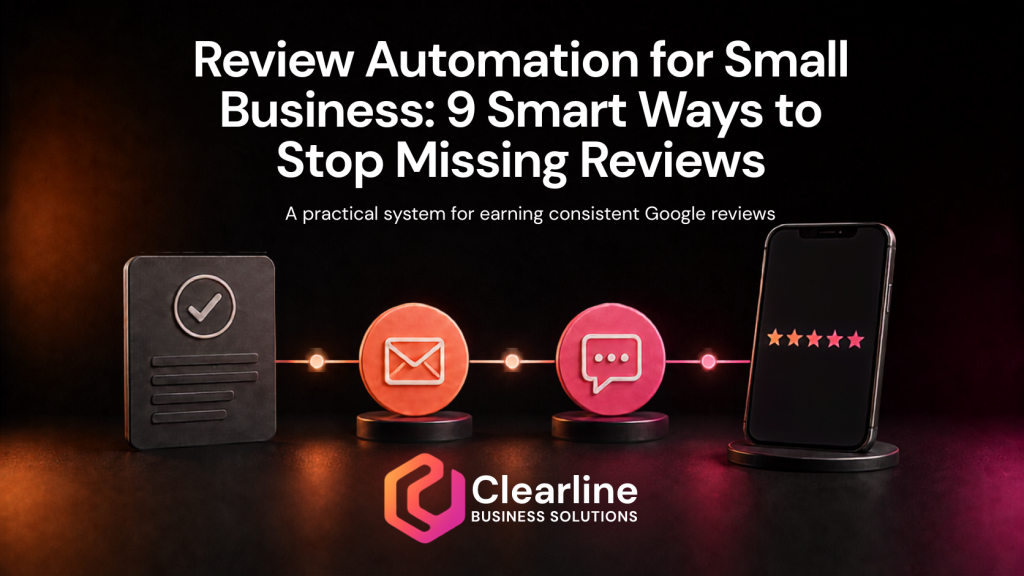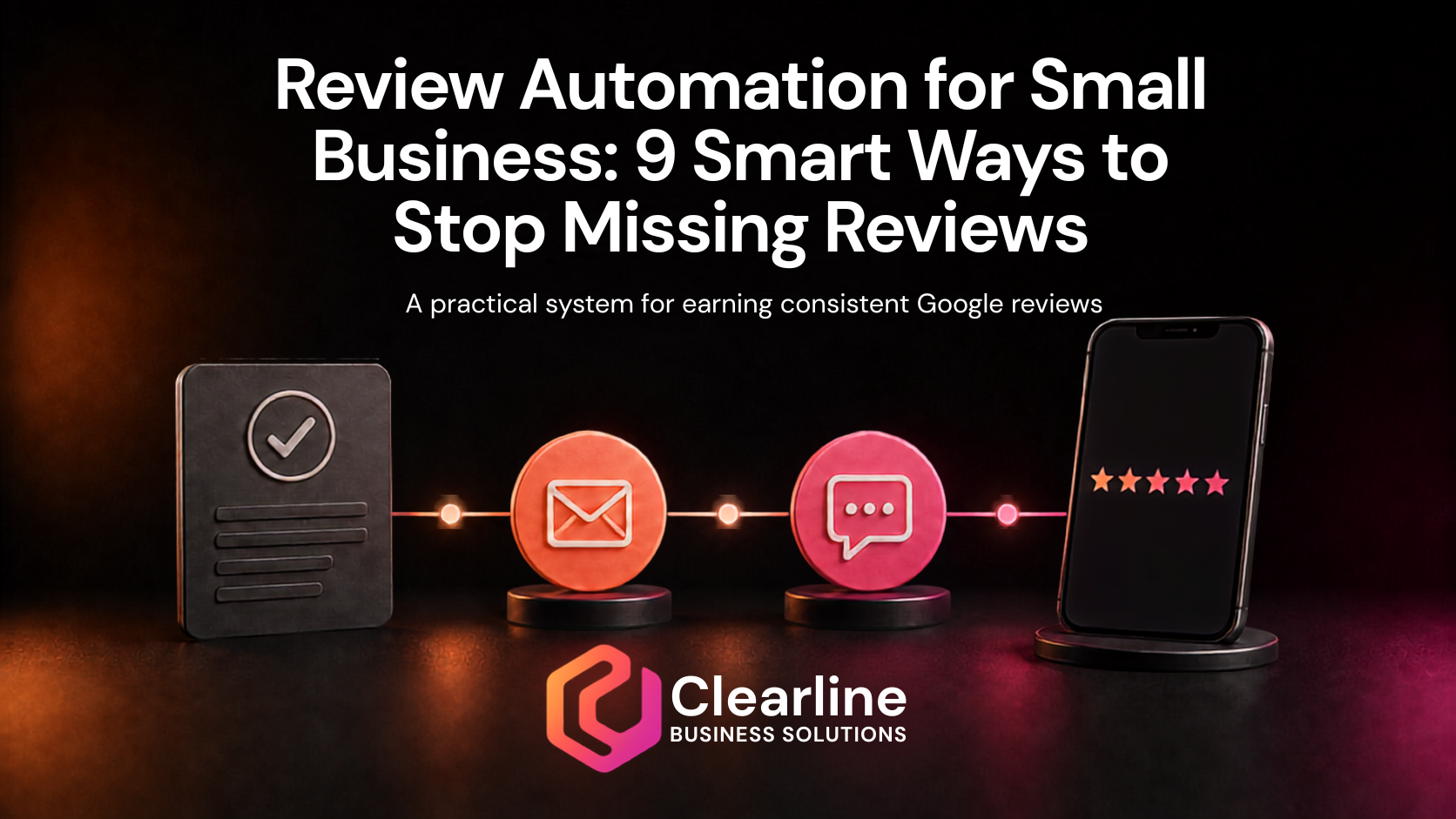
A great customer experience does not automatically become a public review. The customer gets back to work, your team moves to the next job, and the moment passes. Even satisfied customers often need a simple reminder and a direct path to share what happened.
That is where review automation for small business can help. It turns review requests from an occasional staff habit into a consistent process connected to real customer interactions. The goal is not to manufacture praise, pressure people, or flood customers with messages. The goal is to ask at an appropriate time, make the next step easy, and let the customer decide what to say.
Google allows businesses to ask customers for reviews and provides a direct review link and QR code for that purpose. Google also makes it clear that reviews should reflect genuine experiences. Incentives, pressure, selective requests for positive feedback, and attempts to influence the rating can violate its policies. A strong approach to review automation for small business respects both sides of that guidance.
This article explains nine practical ways to build review automation for small business without making the customer experience feel robotic. You will see how timing, email, text, follow up, staff ownership, CRM workflows, website displays, and reporting fit together.
Why Good Businesses Still Miss Review Opportunities
Most review problems are process problems. The business may deliver excellent work, but nobody owns the request. Staff members ask when they remember. The Google review link is buried in an old email. Customers receive a vague message days or weeks after the experience. There is no follow up, no record of what was sent, and no way to see whether the workflow is operating correctly.
Review automation for small business helps close those gaps. A completed job, resolved support case, finished appointment, delivered project, or other clear milestone can trigger an appropriate request. The CRM can record the action, assign an owner when human judgment is needed, and stop the sequence when the situation is not suitable.
The automation is only the delivery mechanism. The customer experience still determines whether someone wants to leave feedback. If the service is confusing, the result is poor, or a problem remains unresolved, better automation will not fix the underlying issue. The review system must sit after a customer experience worth talking about.
1. Define the Right Review Request Moment
The first step in review automation for small business is choosing the event that makes a customer eligible for a request. “Customer exists in the CRM” is too broad. The trigger should represent a real completed interaction.
For a home service company, the trigger might be a completed job. For a consultant, it could be approval of a major deliverable. For a clinic, it may follow a completed appointment. For a software company, it might come after onboarding or the resolution of a support issue. The timing for review automation for small business should match the point when the customer can fairly evaluate the experience.
Do not use a vague delay that starts at the first inquiry. A prospect who requested a quote is not necessarily a customer. Someone who booked but did not receive the service may have little to review. Tie the request to a stage or status that staff already use and can verify.
A practical trigger checklist includes:
- The customer received the promised service, product, or outcome.
- The interaction is complete enough for informed feedback.
- No unresolved complaint or service issue is open.
- The business has permission to use the selected communication channel.
- The customer has not already received the same request.
This makes review automation for small business part of the operating process instead of an isolated marketing campaign.
2. Create One Direct Google Review Path
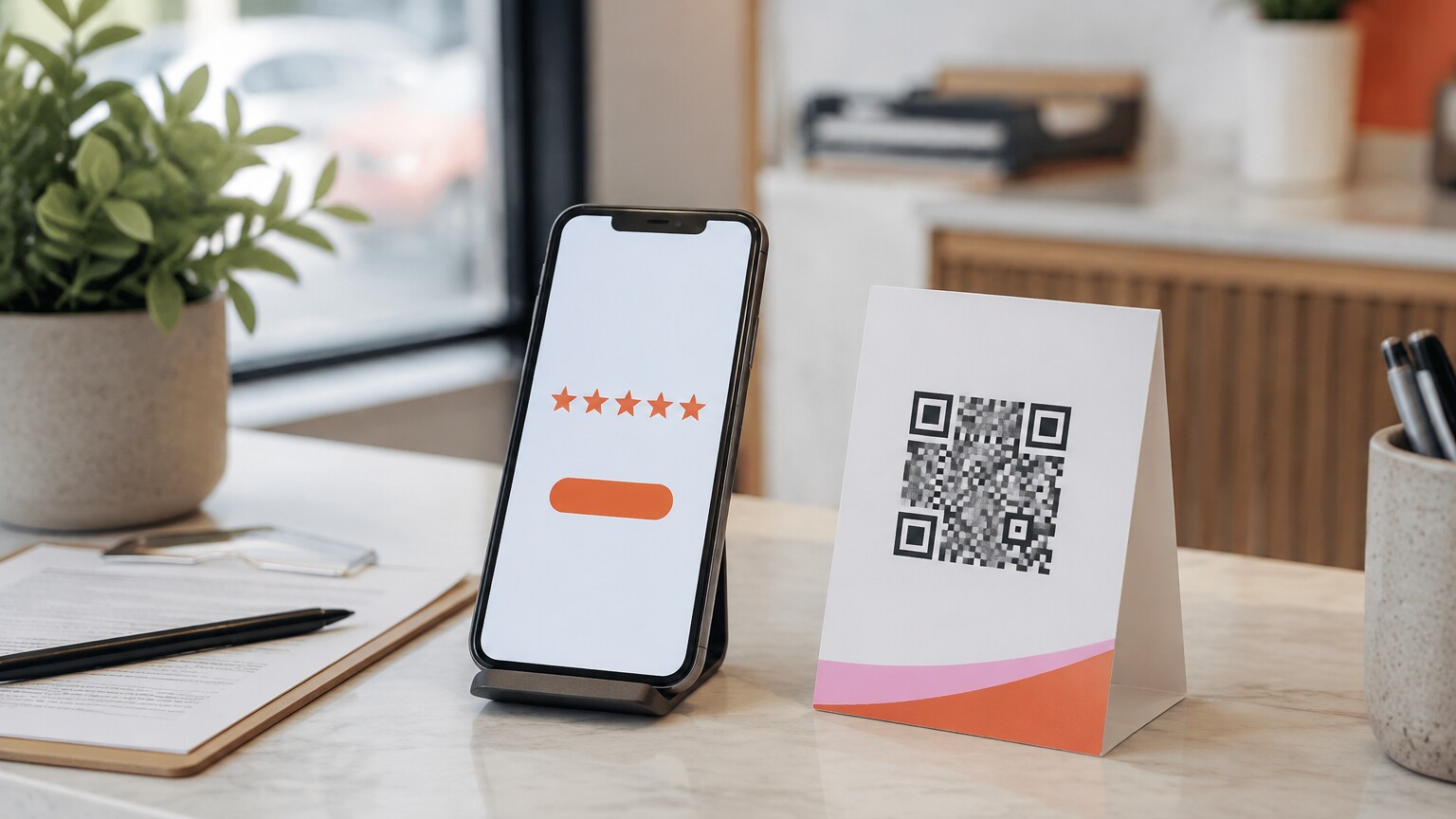
Every extra step creates friction. Asking someone to search for your company, find the correct profile, open the reviews, and locate the review button makes a small favour feel like work.
Google provides a direct review link and a QR code through the Business Profile. Its official instructions explain how to create and share a Google review link or QR code. Save the approved link in one controlled place, such as the CRM, automation platform, or internal process document. Staff should not build their own variations.
Review automation for small business works better when email, text, printed material, receipts, and staff messages all point to the same verified destination. Test the link on desktop and mobile. Confirm that it opens the correct location when the company has more than one profile.
A QR code can support in-person situations, but it should not become a pressure tool. A customer should be able to scan it later rather than feeling watched while writing. For review automation for small business, the direct link is usually better for automated email and text because the customer can open it when convenient.
3. Write a Short, Natural First Request

The first message should sound like it came from the business, not a review generation machine. Use the customer’s name when reliable, identify the company, refer to the completed interaction, and make the request clear. Avoid long explanations or exaggerated claims about how much a five-star rating would help.
Here is a simple email example:
“Hi Maria, thank you for choosing Northside Heating for your furnace service. If you have a moment, would you share your honest experience on Google? Your feedback helps our team and gives other customers useful context. [Review link]”
A text version should be even shorter:
“Thanks for choosing Northside Heating today. If you would like to share your experience, here is our Google review link: [Review link]”
Notice what these messages do not say. They do not ask for five stars, request only positive reviews, provide suggested wording, or offer a reward. They ask for honest feedback after a genuine interaction, which is the right foundation for review automation for small business.
Good review automation for small business preserves that human tone. Personalization should clarify the context, not create the illusion that every automated message was typed individually. Keep the message accurate and use a sender identity customers recognize.
4. Use Email and Text for Different Strengths
Email gives you room for context, branding, and a clear button. Text is fast, visible, and convenient when the customer already communicates with your business that way. The best channel depends on the relationship, the service, consent, and what the customer expects.
Do not automatically send both channels at the same time. That can make a simple request feel like a campaign. A better review automation for small business workflow might send email first, then use one brief text reminder only when text is appropriate and the customer has not already responded.
Use email when the interaction involved formal documents, detailed communication, or an office relationship. Use text when appointments, service updates, and confirmations already happen by text. In review automation for small business, the channel should feel like a continuation of the customer experience.
This same principle appears in other customer workflows. Clearline’s guide to automated appointment reminders explains why timing, channel choice, clear links, and practical next steps matter. A review request should follow the same standard: helpful, concise, and easy to act on.
5. Add One Respectful Follow Up
People get busy. A customer may appreciate the request and still forget to complete it. One follow up can help review automation for small business recover that missed moment without turning the sequence into pressure.
For many businesses, a simple sequence could look like this:
- Complete the customer interaction and update the status in the CRM.
- Wait until the customer has had enough time to evaluate the result.
- Send the first review request by the normal customer channel.
- Wait several days.
- Send one short reminder if the workflow has no stop condition.
- End the sequence and do not continue chasing the customer.
The right delay depends on the work. A customer can evaluate a restaurant visit immediately. A new system, renovation, consulting deliverable, or equipment installation may require more time. Test the timing against the real experience.
Review automation for small business should also include stop rules. Stop when the customer asks not to receive messages, when an issue is opened, when contact information is invalid, or when staff decide the situation needs a personal conversation. If your tools cannot reliably detect whether a review was posted, do not pretend that they can. Phrase the reminder so it does not accuse someone of ignoring the first message.
A useful reminder might say: “Just a quick follow up in case our earlier message got buried. If you would like to share your experience, here is the link. No pressure, and thank you again for choosing us.”
6. Give Staff a Clear Role in the Process

Automation does not remove staff responsibility. It makes responsibility visible. Employees still need to complete records correctly, recognize unresolved concerns, and know when a personal request is more appropriate than an automated one.
Define who marks the interaction complete, who handles exceptions, and who reviews the workflow. If technicians close jobs, train them on the required status. If account managers own the relationship, let them approve the request timing for high-value projects. If support staff resolve complaints, ensure an open issue pauses the sequence.
A short staff process for review automation for small business might include:
- Confirm the work is complete.
- Update the customer record and job status.
- Record any unresolved concern.
- Confirm the correct email address or mobile number.
- Allow the workflow to send the request or route it for approval.
- Escalate customer replies that need a human response.
This turns review requests into a team process rather than a loose instruction to “ask happy customers.” That wording creates both inconsistency and policy risk. Review automation for small business should not depend on staff predicting who will leave a positive rating.
7. Connect the Workflow to Your CRM
The CRM should provide the record of what happened. It does not need a complicated reputation dashboard on day one. It needs reliable customer data, a meaningful completion stage, message history, exception handling, and ownership.
A basic review automation for small business workflow can use the following fields:
- Customer name and contact details
- Service, project, or appointment type
- Completion date
- Assigned employee or account owner
- Review request status
- First request date and channel
- Reminder date and channel
- Do not contact or open issue flag
Keep the status names simple. “Eligible,” “request scheduled,” “request sent,” “follow up sent,” “paused,” and “complete” may be enough. The labels should help the team understand the process without creating extra administration.
Clearline’s article on CRM automation for small business explains the broader principle: automation should create consistency, reduce manual work, and support a process people actually use. The same standard applies here. A technically impressive workflow with unreliable data will produce unreliable results.
Review automation for small business also benefits from visible alerts. If a message bounces, a customer replies with a concern, or the completion status was changed incorrectly, create a task for the right person. Good review automation for small business should surface exceptions, not hide them.
8. Display Reviews Without Making the Website Feel Fake
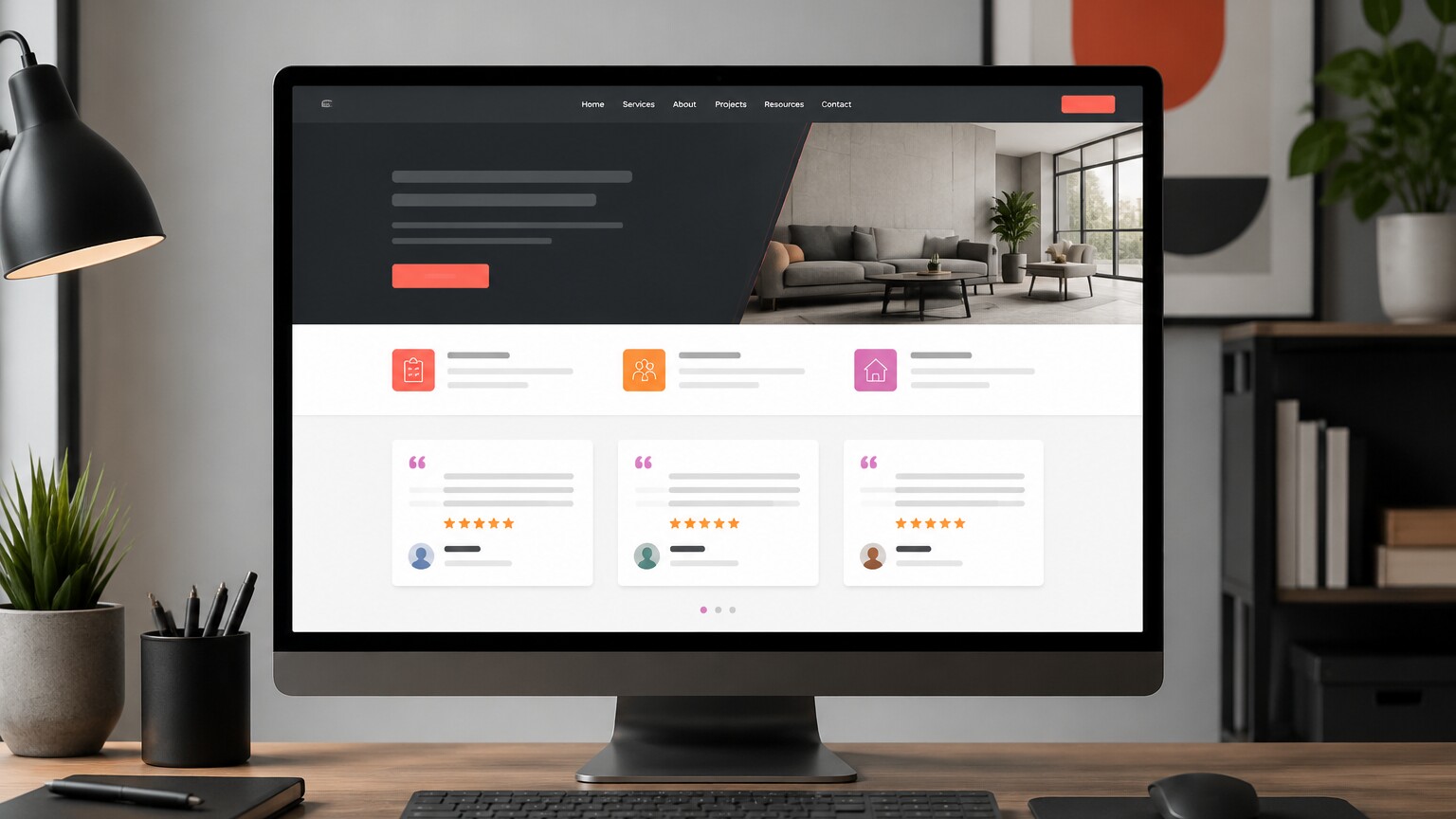
The workflow should not end when a review appears. Reviews can support the website, sales conversations, and trust building when displayed accurately and with appropriate context.
Place selected reviews where they help answer a real customer question. A service page might show feedback related to that service. A location page might display reviews from that area. A contact or booking page might include a small set of recent experiences near the call to action.
Avoid turning every page into a wall of stars. Do not edit a customer’s wording in a way that changes the meaning. Keep attribution accurate, protect personal information, and consider whether permission is required for the way you plan to reuse the content.
Review automation for small business can include an internal step that flags useful reviews for website consideration. A person should still decide whether the review fits the page, whether the display is current, and whether the context is clear.
Responding to reviews matters too. Google’s guidance encourages businesses to value honest and balanced feedback and reply professionally. A thoughtful response shows that the business is listening. Review automation for small business can assign response tasks, but staff should avoid posting the same generic sentence under every review.
9. Measure the Process and Protect Customer Trust
Measure the operation, not just the star rating. A business cannot control what a genuine customer chooses to write. It can control whether eligible customers receive a respectful request, whether links work, whether messages are delivered, and whether concerns receive a response.
Useful measures for review automation for small business include:
- Completed customer interactions
- Customers eligible for a request
- Requests sent successfully
- Delivery failures and invalid contact details
- Customer replies requiring service recovery
- New review volume over time
- Staff completion and exception rates
Review these numbers monthly. If requests are not being sent, inspect the trigger and staff process. If messages bounce, improve contact data. If customers respond with confusion, simplify the wording. If the team frequently pauses review automation for small business, examine whether the chosen trigger happens too early.
Protect trust while making improvements. Google’s Maps content policies on fake engagement and rating manipulation prohibit incentives for reviews, pressure for specific ratings, and selectively soliciting positive reviews. Do not send satisfied customers to Google while diverting unhappy customers into a private form. Ask customers for honest feedback without trying to control the result.
That policy boundary is not a minor technical detail. Ethical review automation for small business depends on genuine experiences and neutral requests. A larger review count is not worth weakening customer trust or creating platform risk.
A Practical Review Automation Sequence
Here is a practical starting sequence that a small business can adapt:
- Completion: Staff close the job, appointment, project, or support case using a verified CRM status.
- Eligibility check: The workflow confirms valid contact information, appropriate channel permission, no prior request, and no unresolved issue.
- Timing delay: The system waits for the period that fits the service and customer experience.
- First request: The customer receives a concise email or text with the direct Google review link.
- Exception handling: Replies, delivery failures, and open concerns create a staff task and pause the sequence.
- One reminder: After an appropriate delay, the customer receives one respectful follow up.
- Sequence complete: The workflow ends, records the outcome it can verify, and avoids repeated requests.
- Monthly review: A manager checks delivery, exceptions, staff usage, customer responses, and new review patterns.
This sequence keeps review automation for small business connected to operations. It uses automation for consistency while preserving human judgment where it matters.
Common Review Automation Mistakes
Before launching review automation for small business, check for these common mistakes:
- Asking too early: The customer has not received enough value to evaluate the experience.
- Using the wrong trigger: A quote, booking, or payment attempt is treated as completed service.
- Sending too many messages: Email and text arrive together, followed by repeated reminders.
- Ignoring service issues: An automated request reaches someone who is waiting for help.
- Using review gating: Only customers expected to leave positive feedback receive the Google link.
- Offering incentives: Discounts, gifts, contest entries, or other benefits are exchanged for reviews.
- Forgetting staff training: The workflow depends on statuses employees do not understand or use consistently.
- Tracking vanity numbers only: The business watches the rating but never checks delivery failures, exceptions, or process gaps.
The best review automation for small business is simple enough to operate, respectful enough to protect the relationship, and visible enough to improve over time.
Frequently Asked Questions
Can a business ask customers for Google reviews?
Yes. Google provides a direct review link and QR code that businesses can share. Review automation for small business should seek genuine feedback without incentives, pressure, rating requirements, or selective solicitation of positive reviews.
When should an automated review request be sent?
Send it after a real customer interaction is complete and the customer has enough experience to give informed feedback. The right delay varies by industry, service, and outcome.
Should a review request use email or text?
Use the channel that fits the existing customer relationship, consent, and expectations. Email offers more context, while text is convenient when the business already uses it for service communication.
How many review request reminders should be sent?
One respectful reminder is a practical starting point for many small businesses. The sequence should stop after that rather than repeatedly chasing the customer.
What is review gating?
Review gating means filtering customers based on expected sentiment, then asking only likely positive reviewers to post publicly while directing unhappy customers elsewhere. Google prohibits selectively soliciting positive reviews.
Build a Review Process Customers Can Trust
Review automation for small business should make a good process more consistent. It should not manipulate feedback or replace service recovery. Start with the completed customer experience, choose a clear trigger, use one direct review link, send a natural request, add one respectful reminder, and give staff a clear role.
Then connect the workflow to the CRM, monitor exceptions, respond to feedback, and improve the system based on real operating data. That is how review automation for small business becomes part of a practical growth system instead of another disconnected campaign.
If customer communication, CRM stages, follow up, website trust signals, and reporting are disconnected, Clearline can help you connect them through practical business growth services.