HubSpot can be an excellent platform. It can also become one of the most expensive subscriptions in a small business, especially when the company buys around an ambitious future state instead of its current needs. Understanding HubSpot pricing for small business requires more than looking at the lowest advertised monthly price.
The real cost depends on which Hubs you need, which edition unlocks the features you want, how many people require paid access, how many contacts you market to, what onboarding is mandatory, and how much work is needed to configure the system properly. A free or Starter account can be remarkably useful. A Professional or Enterprise setup can become a serious annual commitment.
This is not an argument that HubSpot is overpriced. It is a practical way to decide whether HubSpot pricing for small business is justified by the value your company will use. The right question is not, “Is HubSpot expensive?” The right question is, “Is this the least complicated and most economical way to run the process we genuinely need?”
The short answer: Is HubSpot too expensive?
HubSpot pricing for small business is reasonable when the platform replaces several disconnected tools, supports a disciplined revenue process, and gives the team capabilities it will use consistently. It can be too expensive when a company pays for a higher edition to access one or two features, buys seats for occasional users, carries more marketing contacts than necessary, or never completes the implementation work required to create value.
The gap between those two outcomes is utilization. Software value does not come from the size of the feature list. It comes from useful workflows that people actually follow. A $20 tool that nobody trusts is wasteful. A $1,000 platform that improves a meaningful business process can be economical. The calculation has to connect cost, adoption, and business outcomes.
As of September 2026, HubSpot advertises free tools and Starter options, while Professional and Enterprise editions carry much higher prices. Pricing can vary with billing terms, promotions, contacts, seats, and product combinations, so use the figures in this article as a current reference point and verify the final configuration directly on HubSpot’s pricing page before buying.
HubSpot pricing for small business has several layers
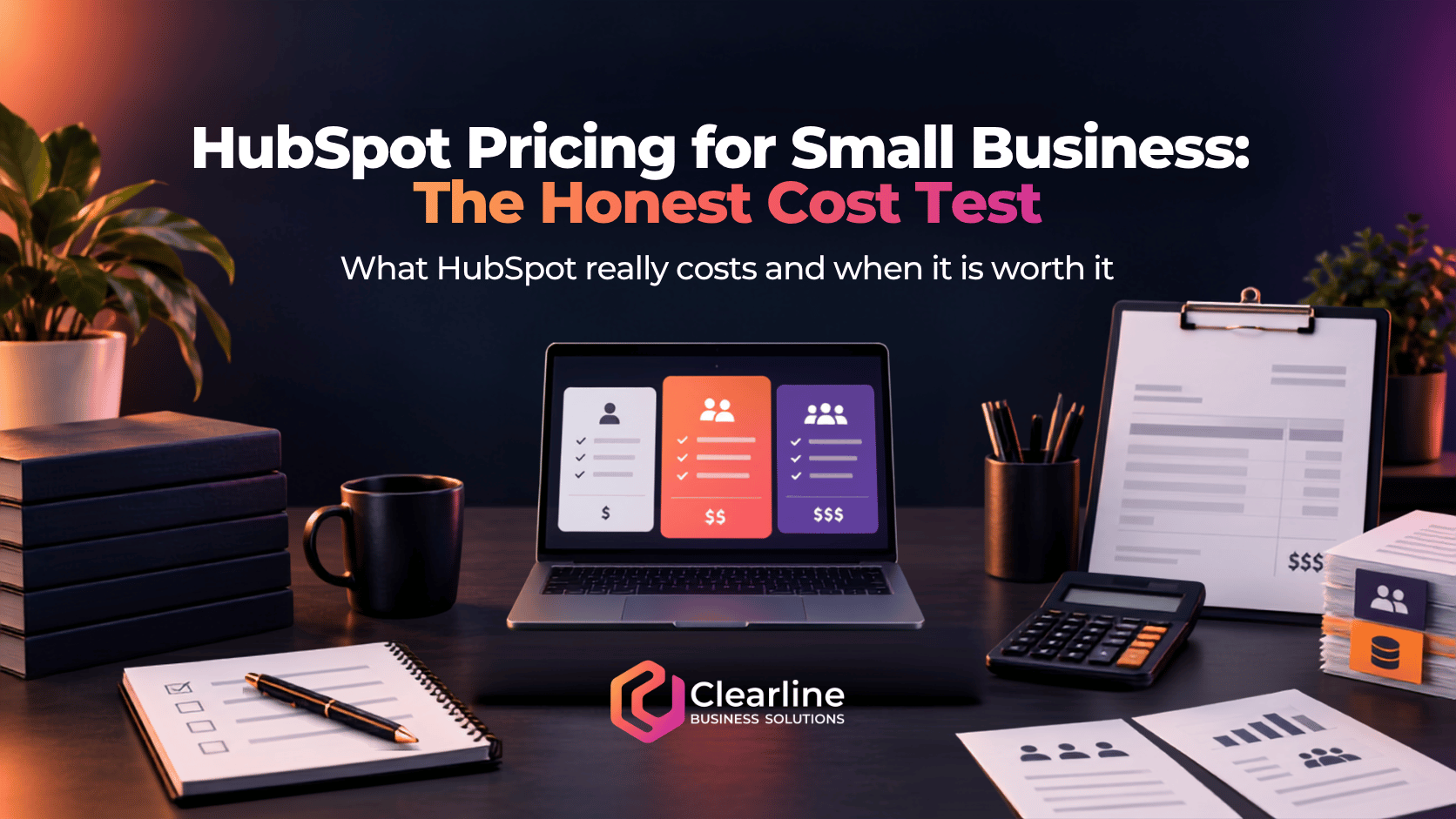
A common buying mistake is to compare HubSpot with another CRM using one headline number. HubSpot is a customer platform made up of multiple products, editions, seat types, contact tiers, credits, and services. HubSpot pricing for small business is therefore a configuration, not a single price.
The major cost layers can include:
- The selected Hub or combination of Hubs
- Free, Starter, Professional, or Enterprise editions
- Core, Sales, or Service seats for different users
- The number of marketing contacts
- Mandatory onboarding for certain editions
- HubSpot Credits used by eligible AI features and agents
- Implementation, migration, integration, and training work
- Complementary software that HubSpot does not replace
- Annual commitments and the cost of changing direction later
This layered model is not automatically bad. It lets a company purchase sophisticated capabilities as it grows. The risk appears when the organization cannot clearly explain why it needs each layer.
Current HubSpot prices that shape the decision
HubSpot’s public pricing pages currently show Free tools for up to two users. Starter pricing may display promotional or annual rates as low as $7 per seat per month alongside a $20 monthly figure. That difference is a reminder to distinguish a limited promotion or annual rate from the normal monthly amount and the full contract value.
Marketing Hub Professional is currently shown starting at $800 per month on an annual billing option or $890 per month on the monthly display, with three Core Seats and 2,000 marketing contacts. The page also identifies required Professional onboarding at $3,000. Marketing Hub Enterprise starts at $3,600 per month, includes five Core Seats and 10,000 marketing contacts, and carries required onboarding of $7,000.
Sales Hub Professional is currently shown at $90 per seat per month with annual billing or $100 per seat monthly, plus required onboarding of $1,500. Service Hub Professional shows the same starting seat prices and a $1,500 onboarding fee. Enterprise editions for Sales Hub and Service Hub are displayed starting at $150 per seat per month, with required onboarding fees of $3,500.
Those figures are in U.S. dollars on the pages reviewed for this article. A Canadian company also needs to consider exchange rates and applicable tax. HubSpot pricing for small business can therefore feel materially different from the advertised number once the full configuration is converted into the company’s operating currency.
HubSpot’s detailed Product and Services Catalog explains the mechanics behind marketing contacts, seats, included limits, and onboarding. Always compare the current catalog with the current quote because product packaging and promotions change.

9 honest checks for HubSpot pricing for small business
1. Which business process are you paying to improve?
Start with the process, not the product tour. Define what should happen from the moment a prospect first interacts with the business through qualification, sale, onboarding, service, retention, and reporting. Then identify the specific gaps that software must solve.
A company may need centralized contact records, a visible sales pipeline, meeting scheduling, email tracking, lead assignment, automated follow-up, quotes, customer tickets, marketing campaigns, or attribution reporting. These are different requirements. Bundling them into “we need HubSpot” makes the purchasing decision too vague.
HubSpot pricing for small business is easier to justify when every paid feature maps to an important workflow. If the main requirement is simply to replace a spreadsheet with a clean pipeline, the free CRM or a smaller product may be enough. If marketing, sales, and service teams genuinely need shared data and coordinated automation, a broader HubSpot configuration may deliver real value.
Before comparing platforms, document the desired process. Clearline’s guide to CRM setup for small business explains the practical foundation, including stages, ownership, required data, and follow-up discipline.
2. Are you crossing an expensive feature boundary?
The feature you need may not be available in the edition you expected. This is one of the biggest reasons HubSpot pricing for small business can jump suddenly. A company might be satisfied with Starter except for one advanced automation, reporting, permissions, scoring, or customization requirement that pushes it into Professional.
That feature could still be worth the upgrade, but it should carry the burden of proving its value. Ask:
- What specific problem does the higher tier solve?
- How often will the team use the feature?
- What manual work, risk, or separate software will it replace?
- Could the process be simplified before buying the feature?
- Is there a lower-cost alternative that solves the same problem?
If one capability causes an eightfold increase in subscription cost, do not hide that decision inside a long list of “nice to have” features. Isolate it and evaluate it directly.

3. How many people really need paid seats?
HubSpot distinguishes between types of seats and access. Professional and Enterprise Sales Hub plans use paid Sales Seats, while comparable Service Hub plans use Service Seats. Starter products use Core Seats. The exact rules matter because not every employee needs the same capabilities.
Map users by job instead of purchasing the same access for everyone. A sales representative who actively prospects and manages deals may need a Sales Seat. A service agent working tickets may need a Service Seat. A manager who reviews reports occasionally may need a different level of access. A person who only needs basic CRM visibility should not automatically receive the most expensive seat.
HubSpot pricing for small business becomes inefficient when access is assigned by status rather than use. “All managers should have everything” sounds simple, but it can create a recurring cost with little operational benefit. Review seats quarterly and whenever responsibilities change.
4. What will happen to your marketing contact count?
Marketing contacts deserve special attention. HubSpot distinguishes contacts that can receive marketing emails or be targeted with ads from non-marketing contacts. According to the current catalog, Starter includes 1,000 marketing contacts, Professional includes 2,000, and Enterprise includes 10,000, with additional tiers increasing the price.
The operating rules matter as much as the starting allowance. HubSpot says you can designate a contact as marketing immediately, but a change to non-marketing status takes effect later. If you exceed the purchased marketing contact tier, billing can increase immediately, while reducing the tier may have to wait until renewal.
HubSpot pricing for small business can therefore rise because of weak database governance, not business growth. Imports, old prospects, event lists, duplicate records, partners, job applicants, and inactive customers can all create unnecessary cost if nobody controls who is treated as a marketing contact.
Create clear rules for contact status, suppression, deletion, imports, and database cleanup. Assign an owner. The goal is not to manipulate billing. It is to keep the database aligned with legitimate communication and business needs.
5. Have you included onboarding and implementation?
A subscription is not an implementation. Professional and Enterprise versions of several HubSpot products currently include mandatory onboarding fees. Those fees should be included in first-year HubSpot pricing for small business, but they are not the entire implementation budget.
Practical implementation work may include:
- Cleaning and mapping existing data
- Designing lifecycle stages and sales pipelines
- Defining fields, permissions, and ownership rules
- Connecting email, calendars, forms, calling, and websites
- Building automation and notifications
- Creating reports that answer real management questions
- Migrating templates, lists, files, and communication history
- Training users and supporting adoption
A cheap implementation can become expensive if the team receives a technically functional portal that does not match the way the business sells and serves customers. A sensible budget includes process design and change management, not just software configuration.
6. Which existing tools will HubSpot actually replace?
The strongest economic case for HubSpot often comes from consolidation. If one platform can replace a CRM, email marketing tool, meeting scheduler, form builder, chat tool, sales engagement product, help desk, reporting tool, and several connectors, the subscription may reduce overall cost and complexity.
But do not count a tool as “replaced” simply because HubSpot has a feature in the same category. Compare depth, limits, usability, and the actual workflow. A specialized quoting, field-service, ecommerce, accounting, project-management, or industry platform may still be necessary.
Build a software inventory with monthly cost, annual cost, owner, renewal date, purpose, active users, and the workflow supported. Mark each tool as replaced, integrated, retained, or undecided. HubSpot pricing for small business should be compared with the net cost after realistic consolidation, not with the price of one isolated CRM.
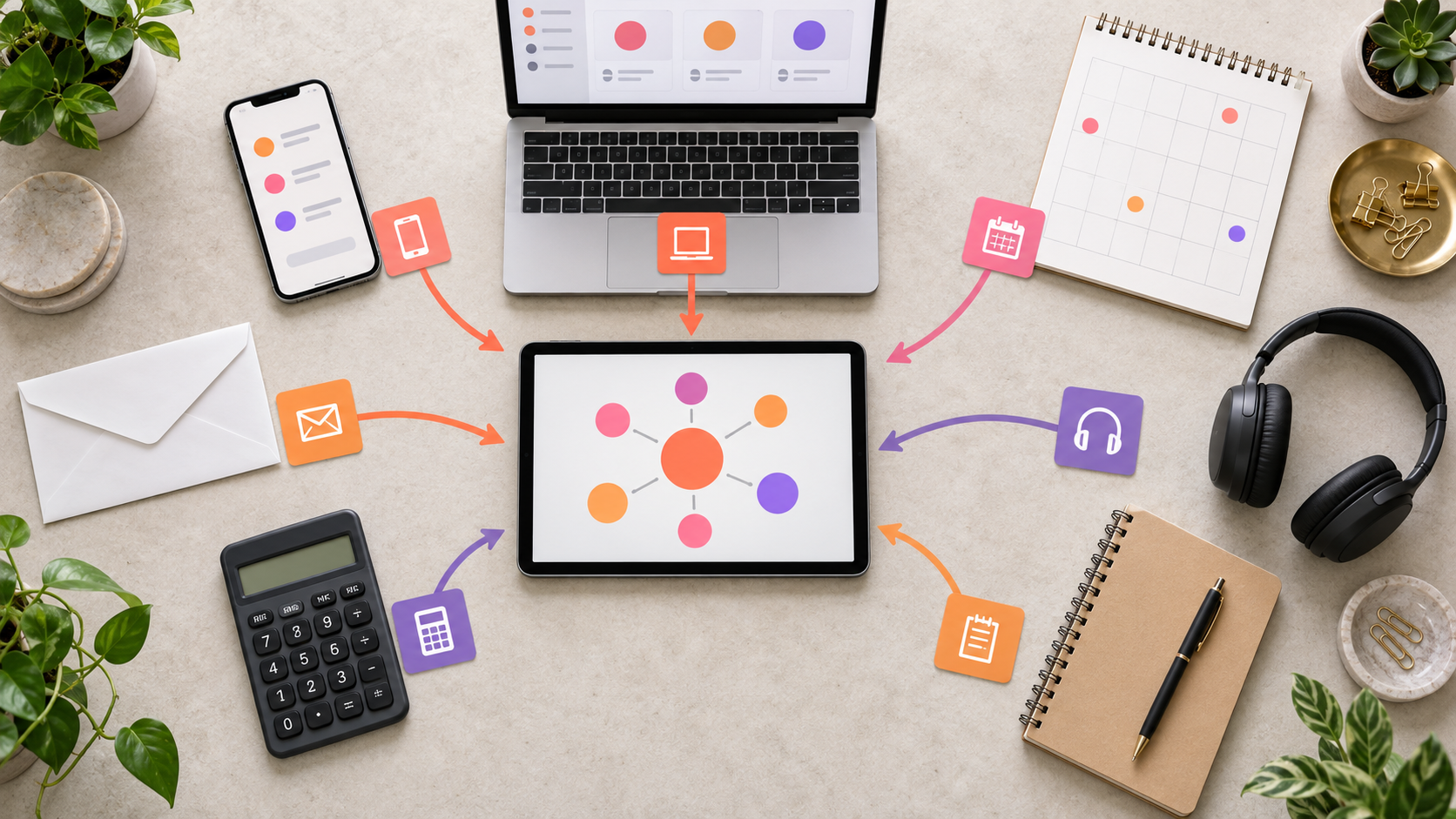
This is also where a connected business growth system matters. Consolidation only helps when lead capture, communication, CRM, automation, sales process, and reporting work together. Moving disconnected habits into a larger platform does not create integration by itself.
7. Are you paying for capacity or outcomes?
Large platforms sell capability. Businesses need outcomes. A feature can be powerful, correctly configured, and still fail to produce value if nobody uses it or if the underlying process is weak.
For every major paid capability, define an adoption and outcome measure. If you buy sales automation, track whether representatives use it and whether follow-up becomes more consistent. If you buy reporting, track whether leaders review the reports and make better decisions. If you buy marketing automation, track whether workflows support qualified pipeline rather than activity for its own sake.
HubSpot pricing for small business is not justified by login counts alone. A useful scorecard could include active use, data completeness, time saved, response speed, follow-up completion, pipeline visibility, conversion by stage, and tools retired. The measures should reflect the reason you bought the platform.
8. What is the cost of maintaining the system?
CRM platforms require ownership after launch. Someone must control fields, lists, permissions, automations, integrations, contact status, dashboards, documentation, and user questions. Without governance, even a good implementation gradually accumulates clutter.
Maintenance may be handled by an internal administrator, an operations leader, a knowledgeable power user, a partner, or a combination. The cost may appear as salary, consulting fees, diverted staff time, or slower execution when nobody owns the system.
Include this operating cost when assessing HubSpot pricing for small business. A less expensive product that requires constant workarounds may cost more than it appears. A more capable platform that needs specialized administration may also be excessive for a small team. The right answer depends on process complexity and internal capacity.
9. How difficult will it be to change later?
The purchase decision should include reversibility. Consider contract terms, renewal timing, data export, custom objects, workflows, landing pages, forms, integrations, reporting logic, staff training, and the number of processes that will depend on the platform.
Deeper adoption can create more value, but it also raises switching effort. That does not mean you should avoid a platform. It means the commitment deserves the same discipline as any other important operating system.
Model HubSpot pricing for small business over three years. Include expected seats, contact growth, likely upgrades, onboarding, implementation, administration, and retained tools. Then compare that total with credible alternatives. A one-month screenshot is not a total-cost analysis.
When HubSpot is worth the money
HubSpot can be a strong choice when a business needs a shared platform across marketing, sales, and service, and the team has enough process maturity to use it. The platform is especially compelling when coordinated customer data, automation, reporting, and user experience reduce the friction created by several disconnected products.
HubSpot pricing for small business may be justified when:
- The free or Starter tools cover the requirements cleanly
- Several teams need a common customer record
- Advanced automation or reporting supports an important revenue process
- The company can retire meaningful overlapping software
- There is a capable system owner and realistic implementation plan
- The team will use the capabilities frequently enough to earn the cost
- The business values an integrated platform and can support its governance
HubSpot also has a broad ecosystem, extensive educational material, and room for sophisticated configurations. A growing company that expects real operational complexity may prefer a platform that can support that growth without an early migration.
When a smaller business may be overbuying
The warning sign is not company size by itself. A small firm can have a complex sales and service model. The warning sign is a mismatch between purchased capability and operational need.
HubSpot pricing for small business may be difficult to justify when:
- The company only needs basic contacts, tasks, and a pipeline
- One advanced feature forces a much larger edition upgrade
- Most users need occasional visibility rather than advanced functions
- The database contains many poorly governed marketing contacts
- The business lacks defined stages, ownership, follow-up rules, or reporting needs
- The company will continue paying for most of its existing software
- Nobody has time or authority to own adoption and administration
- The buying case depends mostly on features the team “might use someday”
In these situations, starting smaller is not a failure of ambition. It is good systems design. A simpler platform that the team understands and uses can outperform a sophisticated platform that becomes an expensive database.
A practical way to calculate total cost
Create three scenarios: minimum viable, likely, and growth. For each one, calculate the first-year and three-year cost.
- Base subscriptions for every required Hub
- Paid seats by type and actual user role
- Marketing contact tiers based on realistic database growth
- Mandatory onboarding
- Migration, implementation, integration, and training
- Ongoing administration and improvement
- HubSpot Credits and other usage-based costs you expect to consume
- Third-party applications and connectors that remain necessary
- Currency conversion, applicable tax, and reasonable contingency
Subtract the cost of tools that will genuinely be retired and estimate measurable benefits conservatively. Do not count every available feature as a benefit. Count only changes tied to an implemented workflow.
This approach turns HubSpot pricing for small business into a decision model. It also creates a baseline you can revisit after six or twelve months to determine whether the platform is delivering what the business expected.

Questions to ask before signing
Ask for a written configuration and a full-term cost, not only a monthly headline. HubSpot pricing for small business should be understandable before the contract starts. Bring these questions into the buying process:
- Which exact features require this edition?
- Which users need paid seats, and which seat type does each role need?
- How will pricing change if our marketing contacts grow?
- Which onboarding fees are mandatory?
- What billing term, promotion, and renewal price apply?
- What usage is covered by included HubSpot Credits?
- Which tools can we retire completely?
- What implementation work is included, and what remains our responsibility?
- How will we measure adoption and business value?
- What can we export if we change platforms later?
Frequently asked questions about HubSpot pricing for small business
Can a small business use HubSpot for free?
Yes. HubSpot currently offers free CRM tools for up to two users. For a small team that needs contact, deal, task, meeting, and basic communication tools, the free edition may provide a useful starting point. When comparing HubSpot pricing for small business, review the free limits carefully and avoid assuming that every advanced feature seen in a demo is included.
What makes HubSpot pricing for small business increase?
HubSpot pricing for small business commonly increases when the company adds Hubs, moves from Starter to Professional, adds paid Sales or Service Seats, grows its marketing contact tier, uses more credits, or requires outside implementation and administration. Currency conversion can also affect Canadian businesses. The most accurate HubSpot pricing for small business calculation includes all of these variables.
Is HubSpot Professional worth it for a small business?
It can be. HubSpot pricing for small business at the Professional level makes sense when advanced automation, reporting, permissions, sales, service, or marketing capabilities support important workflows that the team will actually use. It is harder to justify when the upgrade is driven by speculative future needs. Treat HubSpot pricing for small business as an investment that must earn its place.
Should you compare HubSpot with several smaller tools?
Yes, but compare complete operating systems rather than subscription prices alone. Smaller tools may cost less, but integrations, duplicate data, weak reporting, and administration can add complexity. HubSpot pricing for small business may be economical when consolidation is real. A smaller stack may be better when specialized tools fit the process more closely. Your HubSpot pricing for small business comparison should include subscription cost and operating complexity.
How often should you review HubSpot costs?
Review seats, contact tiers, credits, tool overlap, feature use, and renewal terms at least quarterly, with a deeper review before renewal. HubSpot pricing for small business should remain connected to current workflows and results, not the assumptions made when the portal was first purchased. A recurring HubSpot pricing for small business review can catch unused access and unnecessary contact growth before renewal.
Does the lowest advertised price show the real total?
No. HubSpot pricing for small business should include the selected Hubs, editions, seats, marketing contacts, onboarding, implementation, administration, retained software, credits, currency, and tax. A complete HubSpot pricing for small business estimate should also model expected growth and the cost of changing the configuration later.
The honest decision
HubSpot is not automatically too expensive for small business, and it is not automatically the right investment. Its value depends on the fit between the platform, the process, the people using it, and the outcomes the company needs.
Evaluate HubSpot pricing for small business as a full system. Include products, editions, seats, contacts, onboarding, implementation, administration, retained tools, currency, and switching effort. Then compare that total with credible alternatives and the cost of leaving the current process broken.
The best choice gives the business enough capability, clear ownership, strong adoption, and useful visibility without paying for complexity it cannot turn into value. If the process is still unclear, define that first. Software should support a growth system, not become a substitute for one.