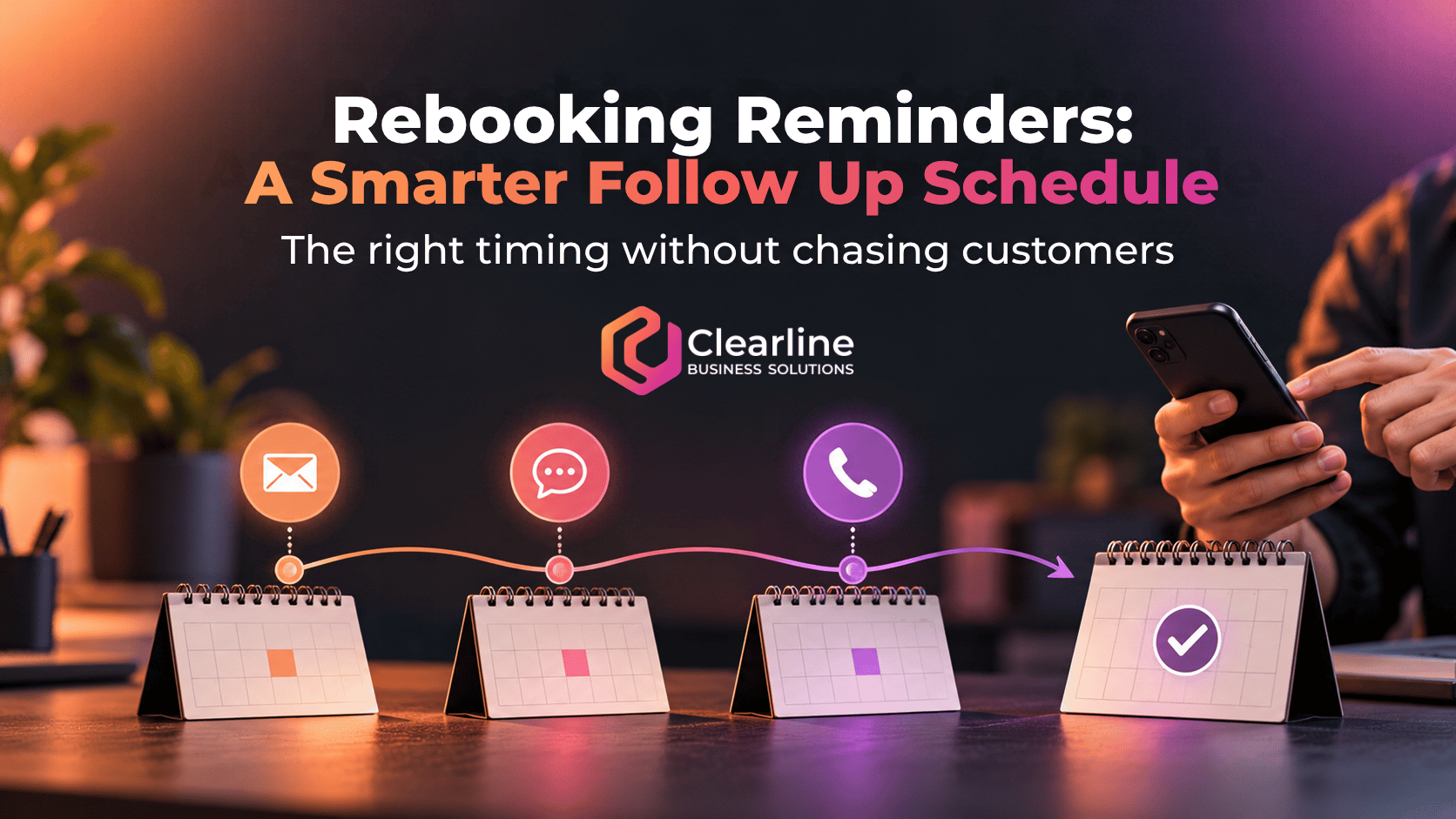
Rebooking reminders should begin before a customer is due to return, not after the business realizes they have disappeared. The right schedule depends on the normal return interval, how urgent the service is, and how customers prefer to respond.
For many service businesses, a practical starting point is one helpful message shortly before the expected return date, another when the customer becomes due, and a final reminder after the date passes. If the customer still does not respond, the system should either stop or create a task for a staff member. Rebooking reminders should make returning easier, not make customers feel chased.
Rebooking Reminders Should Follow the Return Cycle
The best timing starts with the service interval. A grooming business may expect a customer back in six or eight weeks. A seasonal maintenance company may work with annual or semiannual due dates. A salon, veterinary practice, consultant, inspection company, or equipment service provider may have several return cycles depending on what the customer purchased.
That means rebooking reminders should be triggered by a known date or interval, not sent as a generic monthly campaign to everyone. Store the last completed service, recommended return interval, next due date, customer preference, and current booking status. Without those fields, the automation cannot tell the difference between someone who is due, someone who already booked, and someone who is no longer eligible for the service.

When Should the First Rebooking Reminder Be Sent?
Send the first reminder early enough that the customer can still book a convenient time. A message on the exact due date may already be too late if the business normally books two weeks ahead.
Work backwards from capacity. If customers can usually get an appointment within a few days, the first message might go out one week before they are due. If the calendar fills three weeks ahead, rebooking reminders may need to begin three or four weeks before the target date.
A simple starting sequence is:
- Early reminder: Send before the due date while good appointment options are still available.
- Due reminder: Send when the customer reaches the recommended return date.
- Overdue reminder: Send after the due date with a clear booking path or offer of help.
This is a baseline, not a universal rule. A time-sensitive inspection deserves a different cadence than an optional spa service. A high-value recurring contract may justify personal outreach sooner than a low-risk consumer appointment.
How Many Rebooking Reminders Are Enough?
For most businesses, two or three rebooking reminders are enough to test the process. More messages do not automatically create more bookings. They may only teach customers to ignore the business.
Each message should add something useful. The first can explain that the customer is approaching the normal return window. The second can make the due date clear. The third can acknowledge that the date has passed and provide a direct way to book or ask for help.
Stop the sequence immediately when the customer books, declines, opts out, becomes ineligible, or indicates that the timing is wrong. Rebooking reminders that continue after someone has already scheduled are not just annoying. They reveal that the calendar, customer record, and automation are disconnected.
Should You Use Email, Text, or a Phone Call?
Email works well when the customer needs context, service details, preparation instructions, or several booking options. Text is better for a short prompt and a simple booking link. A phone call is useful when the relationship is important, the service is complex, or repeated digital messages have not produced a response.
A practical channel progression might begin with email, move to text near the due date, and create a call task only for selected overdue customers. Do not use every channel simply because the software can. Match the channel to the customer, the value of the relationship, and the urgency of the return.
Canadian businesses should also consider consent and message content. The Government of Canada explains that commercial emails and texts generally require consent, proper identification, and an unsubscribe mechanism. Review the official CASL consent guidance, and obtain advice for your specific situation when needed. A purely operational reminder and a promotional message are not always treated the same way, so avoid casually adding offers to every service message.
When Should a Staff Member Take Over?
Automation should handle predictable, low-friction steps. A person should take over when judgment, context, or relationship value matters more than efficiency.

Create a human follow up task when:
- The customer is significantly overdue for an important service.
- The account is high value or has a long-standing relationship.
- The customer replied with a question, concern, or scheduling problem.
- The service requires judgment before another appointment can be recommended.
- Several rebooking reminders were delivered without a response.
The staff task should include the last service, due date, messages already sent, booking history, and a clear reason for the call. Otherwise, the employee wastes time reconstructing the story and may repeat information the customer has already received.
What Should the System Track?
A reliable workflow needs more than an email automation tool. It needs a connected customer record that can answer five questions: What service was completed? When should the customer return? Have they already booked? Which messages were sent? What should happen next?
This is where rebooking reminders connect to CRM and calendar automation. The calendar holds availability and booking status. The CRM holds the relationship, service history, consent, owner, due date, and next action. Clearline’s guide to CRM automation for small business explains how useful automation depends on clean triggers, ownership, and reliable customer data.
Keep this supporting workflow narrower than a full recall system. The immediate goal is to invite the right customer back at the right time, remove anyone who has already acted, and make exceptions visible to staff. Reporting can then show how many customers became due, booked, remained overdue, opted out, or needed personal follow up.
Frequently Asked Questions About Rebooking Reminders
Should rebooking reminders be sent before or after the due date?
Usually both. Start rebooking reminders before the due date so the customer can choose a convenient time, then send a due or overdue message if they have not booked. The exact lead time should reflect how far ahead your calendar fills.
Can rebooking reminders use both email and text?
Yes, when the customer has provided the appropriate consent and the channels serve different purposes. Email can explain the service and timing, while text can provide a short prompt and booking link. Rebooking reminders should not repeat the same long message across every channel.
How do rebooking reminders differ from appointment reminders?
Rebooking reminders contact customers who are expected to return but have not yet scheduled. Appointment reminders support customers who already have a confirmed booking. For that second workflow, see Clearline’s guide to automated appointment reminders.
Start With One Return Cycle
Do not automate every recurring service at once. Choose one service with a clear return interval, define the due date, build a short sequence, decide when staff should intervene, and test whether the records update correctly.
Good rebooking reminders are timely, easy to act on, and connected to the rest of the customer journey. They stop when the customer responds, surface exceptions for people, and give the business a clear view of who is due and what happens next.